






 Post by
 Why Create a Custom WordPress Theme?
Custom themes offer unmatched control, better performance, simplified maintenance, and SEO advantages—especially when built as block (Full Site Editing) themes validated for speed and UX
Step 1: Set Up Your Development Environment
Start with Git-controlled local environments (LocalWP, Docker, Bedrock) and use the WordPress 2025 default theme as a parent. Neoline Logic’s setup mirrors professional-grade workflows—ready for collaboration and CI/CD pipelines.
Step 2: Build a Block-Based Theme
Createtheme.json for global settings, register custom patterns, and build reusable blocks with ACF Pro or native block types. You’ll get a modern, accessible, and maintainable site structure.Step 3: Add Templates & Template Parts
Use block templates—header, footer, single post—then refine with HTML/PHP for custom queries or dynamic data. Neoline Logic’s team ensures deep theme integration with business logic.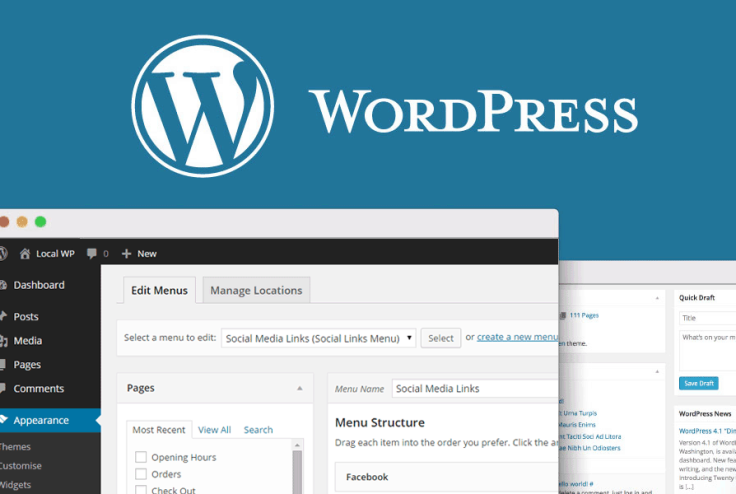
Step 4: Style with Tailored CSS or Utility Frameworks
Whether using theme.json for styles or custom CSS frameworks like Tailwind, prioritize performance—optimized, minimal CSS for Core Web Vitals.
Step 5: Test & Optimize Performance
Use Lighthouse, WebPageTest, and browser profiling to audit your theme. Aim for low LCP, FID, and CLS scores. A lightweight, custom theme typically outperforms bloated template-based themes.
Step 6: Deploy with Confidence
Use CI/CD pipelines from Neoline Logic’s DevOps & CI/CD services to automate deployments, enable rollback, and ensure consistent staging and production builds.
A custom WordPress theme in 2025 isn’t just design—it’s your brand, optimized for speed, scalability, and search.
Step 7: Maintain & Extend—Responsively
Keep your theme updated. Use Neoline Logic’s Managed IT Services for monitoring, backup, and security updates long after initial deployment.